I'm Alex. I bring product design and ownership together, from understanding customer problems to shaping practical workflows and supporting delivery.
Based in Auckland, New Zealand
Selected work
Cyncly (formerly SoftTech)
Dealer
Dealer is a web CPQ (configure, price, quote) product for window and door dealers. Its B2B2B model means suppliers buy the software and distribute licences and products through their dealer networks. Dealer is not sold directly to dealers. Dealers configure products, prepare quotes for their own customers and submit purchase orders to suppliers. The web product was built on V6's desktop system and product configuration engine.
Product scope: The wider product covered 200+ screens across dealer and supplier interfaces, support tools, licensing, reports and emails.
My contribution
My work ran from customer exploration and interviews through designing the web workflows and onboarding pilot users.
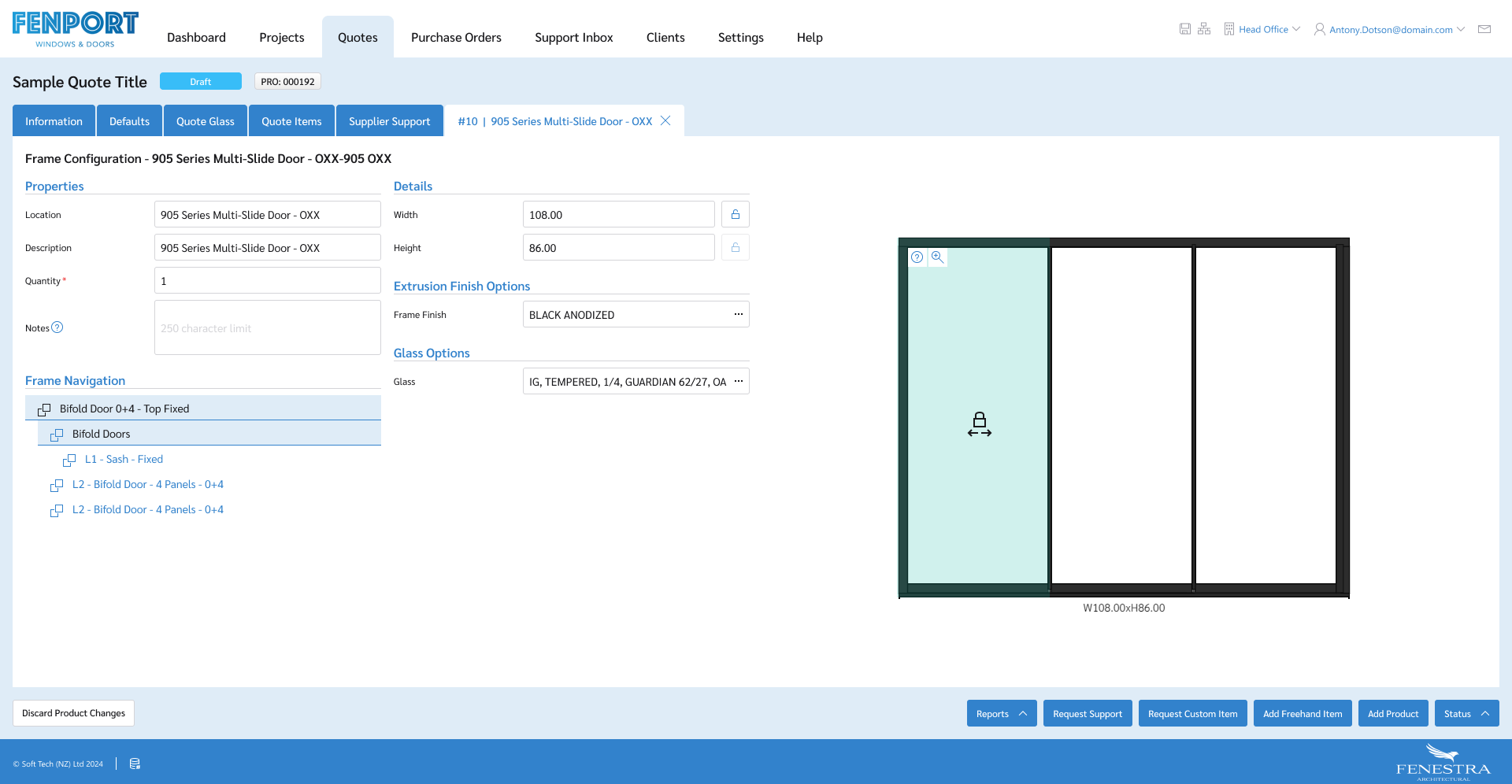
Inspect image and full contextFrame configuration brings dimensions, finishes and glass options together with a drawing of the door. Design with sample data.
Cyncly (formerly SoftTech)
V6
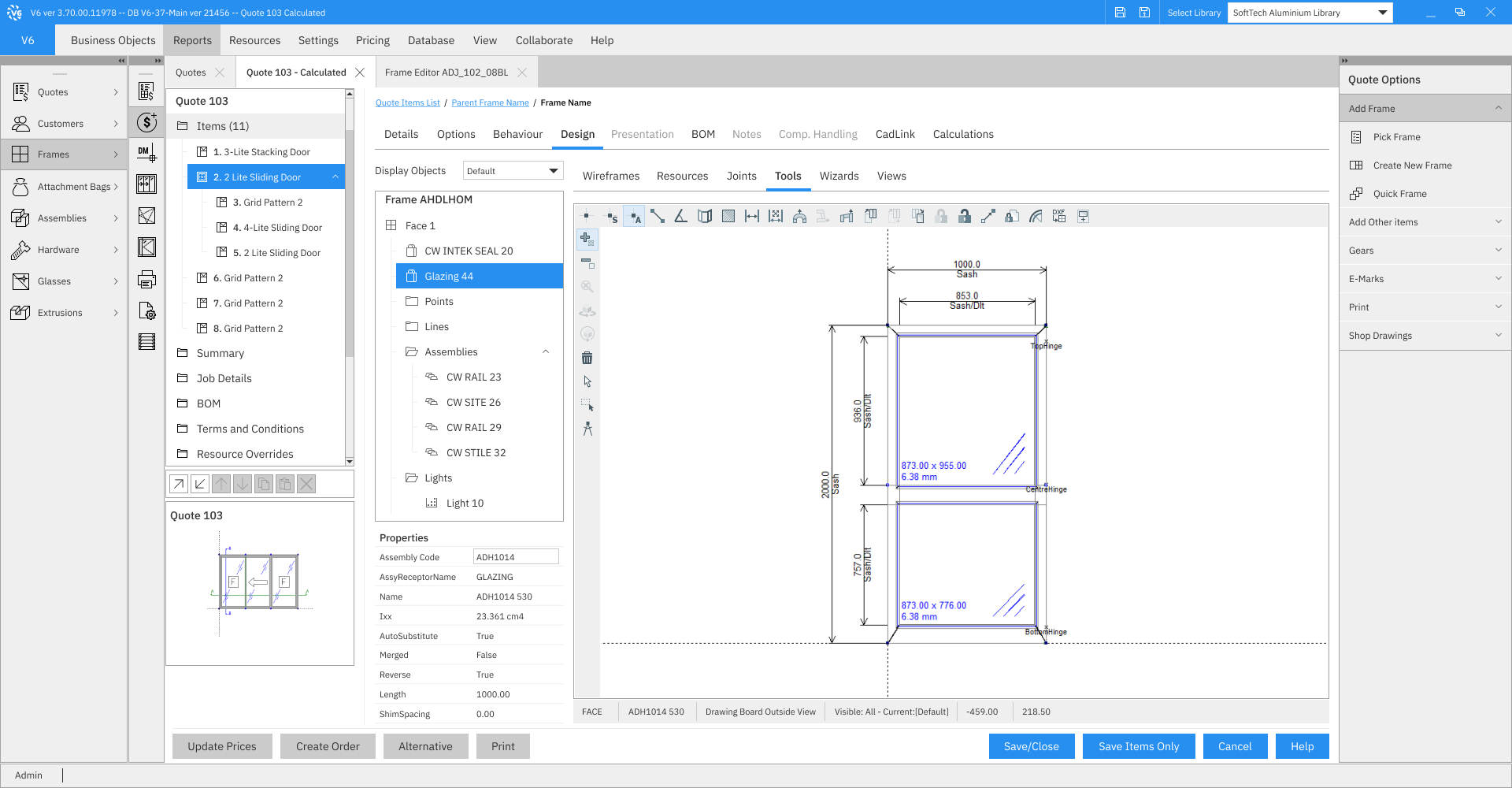
V6 is desktop software used by window and door manufacturers to configure products and prepare quotes. It is built in Delphi, with business logic closely tied to its interface controls.
Product scope: More than thirty years of established workflows, with extensive customer-specific customisation.
My contribution
I designed the visual and navigation updates, investigated customer feedback and support tickets, and refined the designs with developers and QA.
 Inspect image and full context