V6 · Product-design decision
Retaining navigation choice after a difficult pilot
A simplified-menu pilot triggered support tickets. We decided to keep both navigation options rather than replace a familiar pattern outright.
Project context: Desktop configuration and quoting software for windows and doors. More than thirty years of established workflows, with extensive customer-specific customisation.
My contribution: I investigated customer and support concerns, designed simplified navigation and worked through pilot feedback with developers and QA.
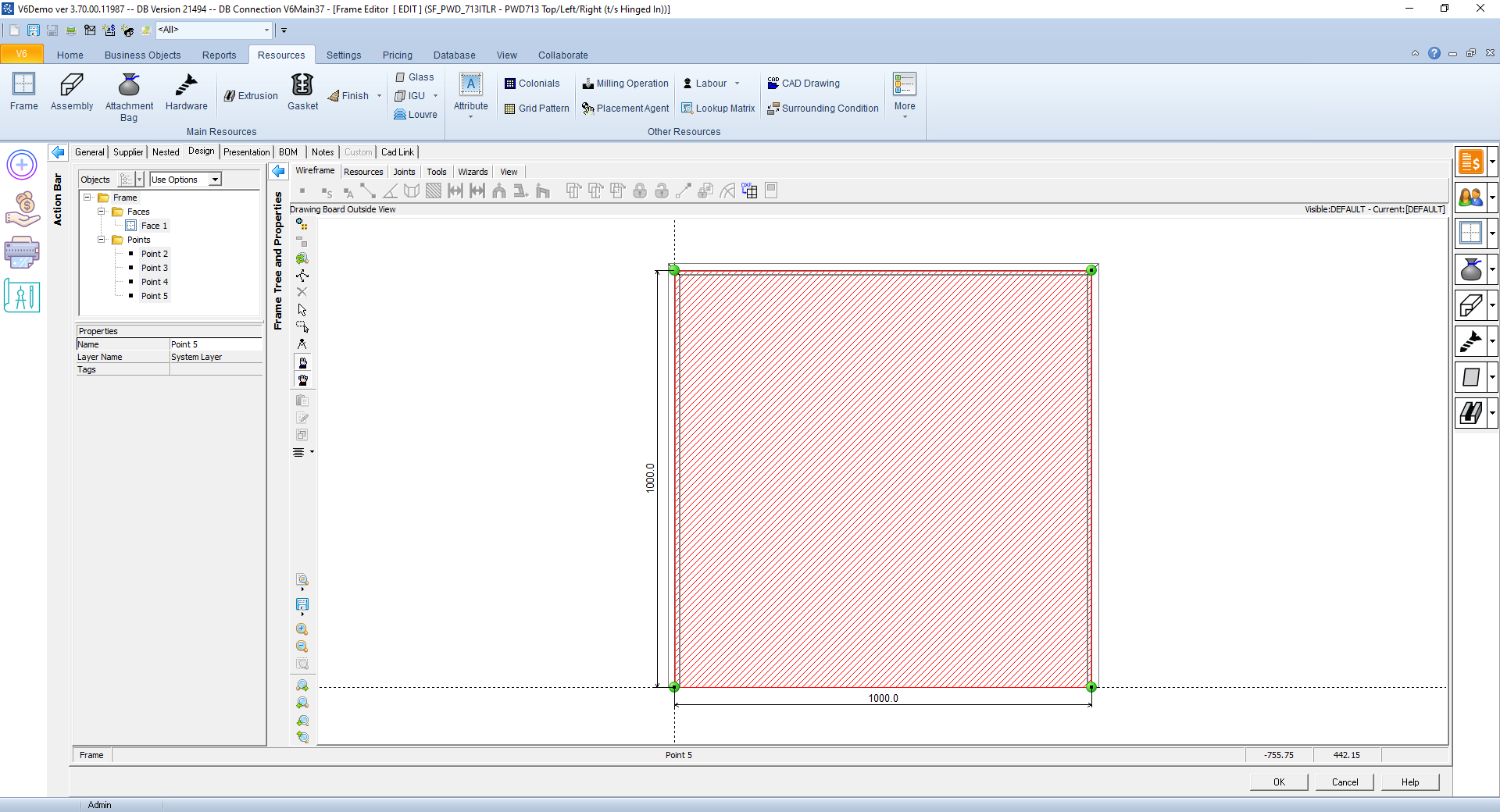
V6's customer implementations were heavily customised, with familiar workflows, menus and icons. Some customers struggled with the non-contextual ribbon, while supporting custom navigation made a consistent approach harder to maintain.
I spoke with available customers and Customer Success and investigated recurring complaints in Freshdesk. Alongside the visual update, navigation offered an opportunity to improve the experience without rebuilding the core workflows.
 Inspect image and full context
The pilot changed the decision
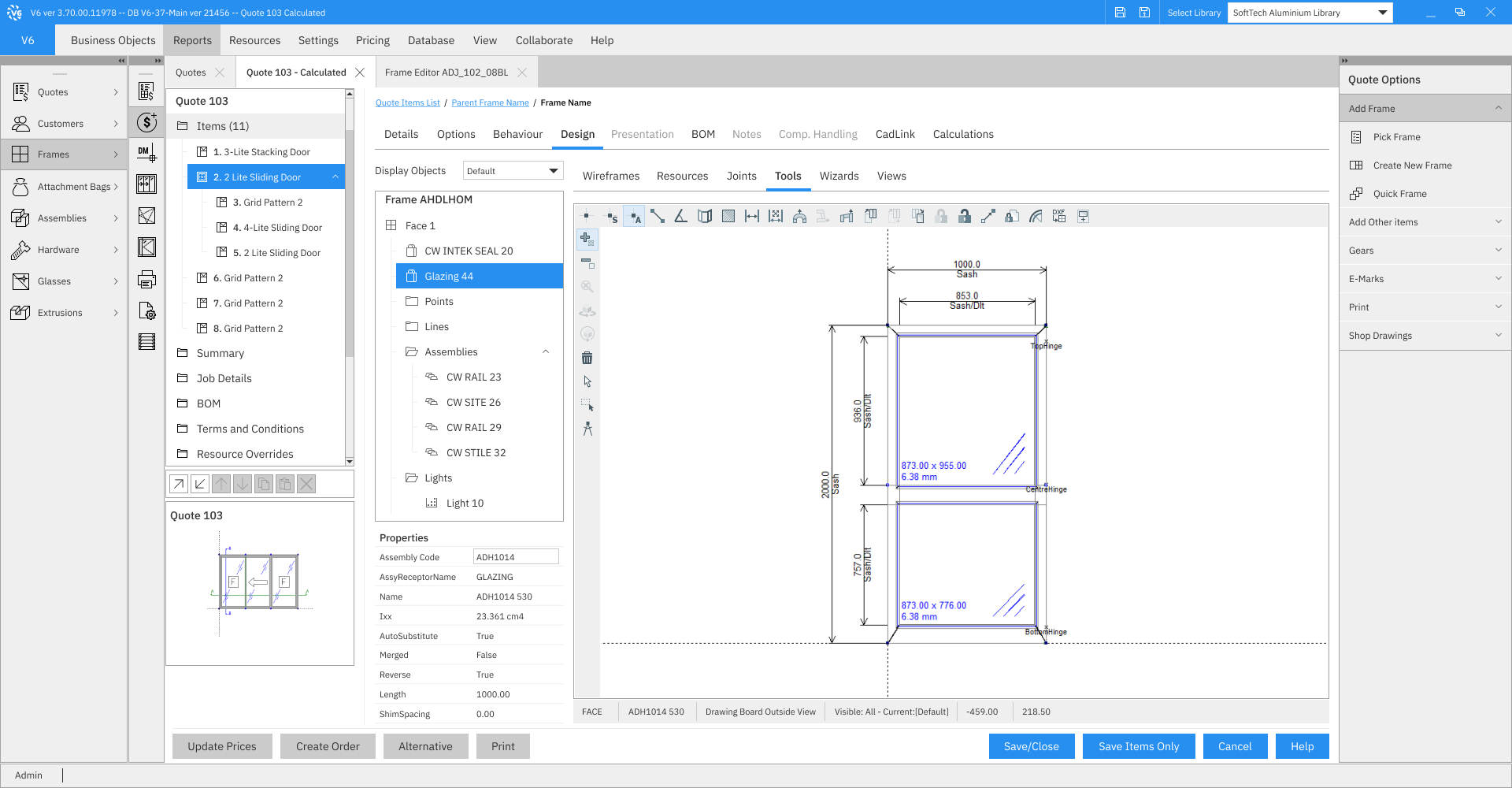
I designed a simplified dropdown navigation to replace the ribbon. A pilot rollout then produced a wave of support tickets about the change. A simpler structure in the design had removed a familiar part of the customer's working environment.
We decided to retain both ribbon and dropdown navigation, configurable in the application settings. Preserving that choice mattered more than completing the original replacement proposal.
- Alternative considered
Replace the ribbon with a simplified dropdown menu. The pilot generated a wave of support tickets about the navigation change.
- Deliberate choice
- Keep both ribbon and simplified-menu options, configurable in the application settings.
- Accepted trade-off
- Two supported navigation patterns instead of one uniform interface.
 Inspect image and full context
The menu detail shows the compact function groups, not an opened dropdown or the preference control. The wider frame-editor design places that menu in the context of the drawing, product structure and surrounding tools.
 Inspect image and full context
What I took from the work
Pilot feedback changed the navigation decision: we decided to retain both ribbon and simplified-menu options in settings.
No adoption rate, post-change ticket reduction or absence of training needs is established. The supplied images do not show the settings control.
The compromise left two navigation patterns to support. My role was to shape the visual and navigation design and work through practical adjustments with developers and QA; the decision was shared with the team. Delphi's tightly coupled interface and business logic limited how far we could change interactions without substantial rebuilding.
The pilot response is useful evidence of iteration. It does not establish an adoption percentage, a later decrease in support tickets or an absence of training needs. The supplied exports are design references; the final general-production scope is not asserted here.