Jobio · Product-design decision
Making the whole application task work on a small screen
Taking responsive design beyond a list layout into long forms, workspace tabs, generated documents and nested overlays.
Project context: An AI-powered application workspace for understanding roles, preparing documents and tracking a job search. The work spans the application, marketing website, payment model and practical service delivery.
My contribution: Define task-based responsive criteria for the shell and core workflows. Rework layout, tab navigation, long content, forms, overlays and reachable actions. Preserve desktop density and document viewport checks and remaining sign-off.
Jobio's responsive needs grew with the product. A list could adapt from a table to cards while the actual task still crossed long forms, several workspace tabs, generated documents, contextual panels and nested overlays.
Defining parity around real tasks
I framed the work around completing the same supported tasks across screen sizes. Information could reflow or move behind a disclosure, but a narrow viewport should not silently remove an action. The job view and edit flows received the highest priority because they carry the core application task.
This extended earlier work on mobile navigation collisions and shared responsive displays. The later requirements covered the shell, tab navigation, empty/error states, long content, forms, overlays and fixed actions. The criterion was usable work, rather than a screenshot at one breakpoint.
- Alternative considered
Maintain separate mobile/desktop interaction trees or solve only the job list. Those approaches left inconsistent state and did not address forms, preparation, tabs and overlays.
- Deliberate choice
- Use one shared component tree with content-driven reflow, bounded scrolling and progressive disclosure.
- Accepted trade-off
- Compact layouts need prioritisation and disclosure while wide layouts must retain useful density; every nested surface needs its own overflow and focus treatment.
Keeping one interactive product
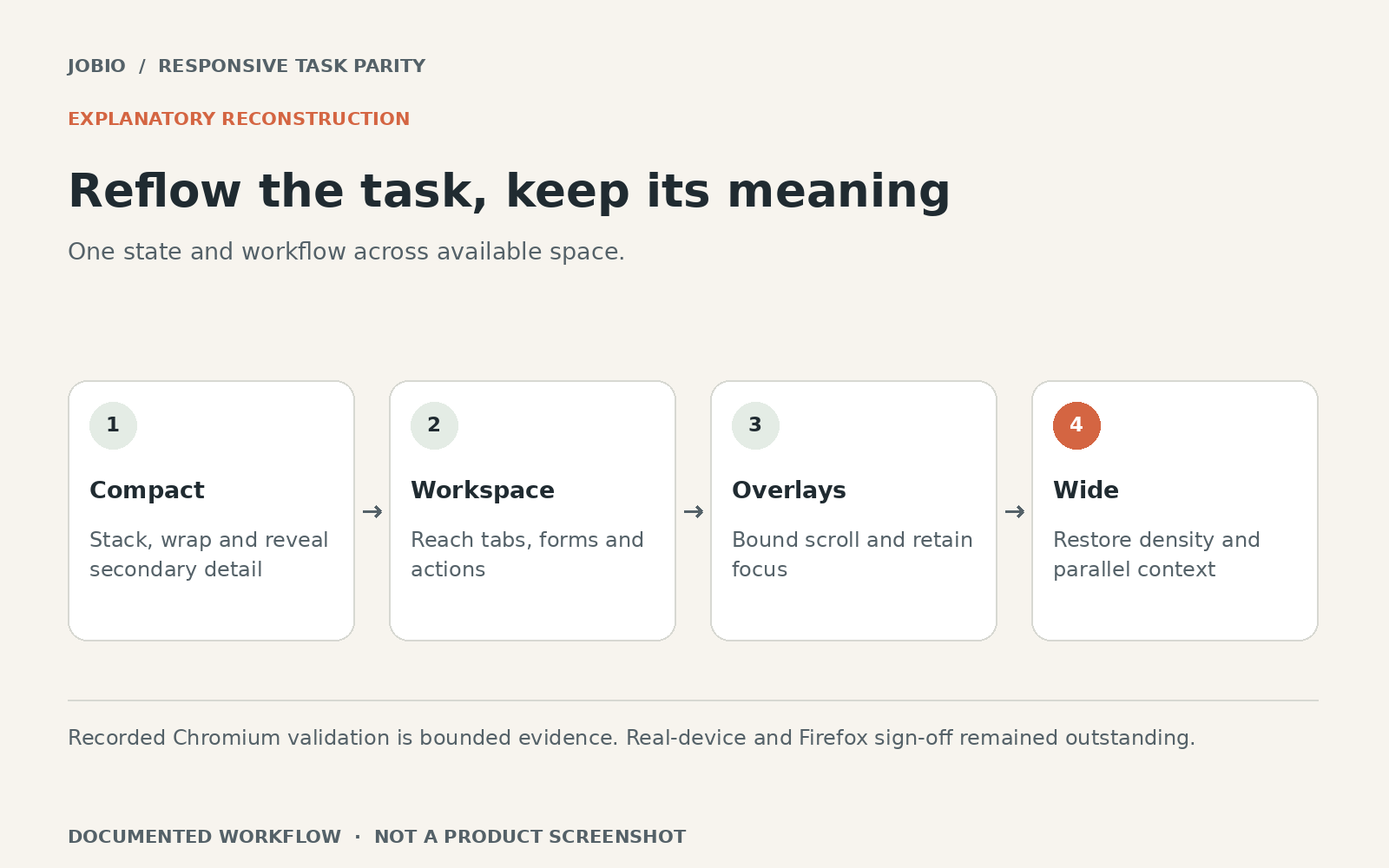
One shared component tree and one live form reduced the risk of mobile and desktop versions disagreeing about state or validation. Layout could stack or wrap; tab labels could use a bounded scroller; secondary actions could move into a labelled menu. Overlays needed bounded content and reachable actions without causing the page itself to overflow.
Wide layouts also needed deliberate treatment. Restoring sidebars, useful columns and information density was part of the same effort, rather than stretching a compact card across a large monitor. Breakpoint behaviour needed to agree between navigation and content.
 Inspect image and full context
Verifying within a stated boundary
The implementation record includes a viewport and interaction matrix with Chromium checks. It also explicitly leaves real-device and Firefox sign-off outstanding. I retained that distinction rather than turning a documented implementation pass into a claim of universal device support.
The responsive work addressed shared navigation, workspace tabs, long content, forms, overlays and actions with a single application structure and documented Chromium viewport checks.
The implementation record explicitly leaves real-device and Firefox sign-off open. It does not establish all-device support or complete accessibility compliance.
I owned the responsive requirements and product decisions with AI-assisted implementation and verification. This shows end-to-end responsive design work across a dense workflow; it does not establish certified accessibility or completion of every browser/device check.